Painterly
A downloadable application for Windows
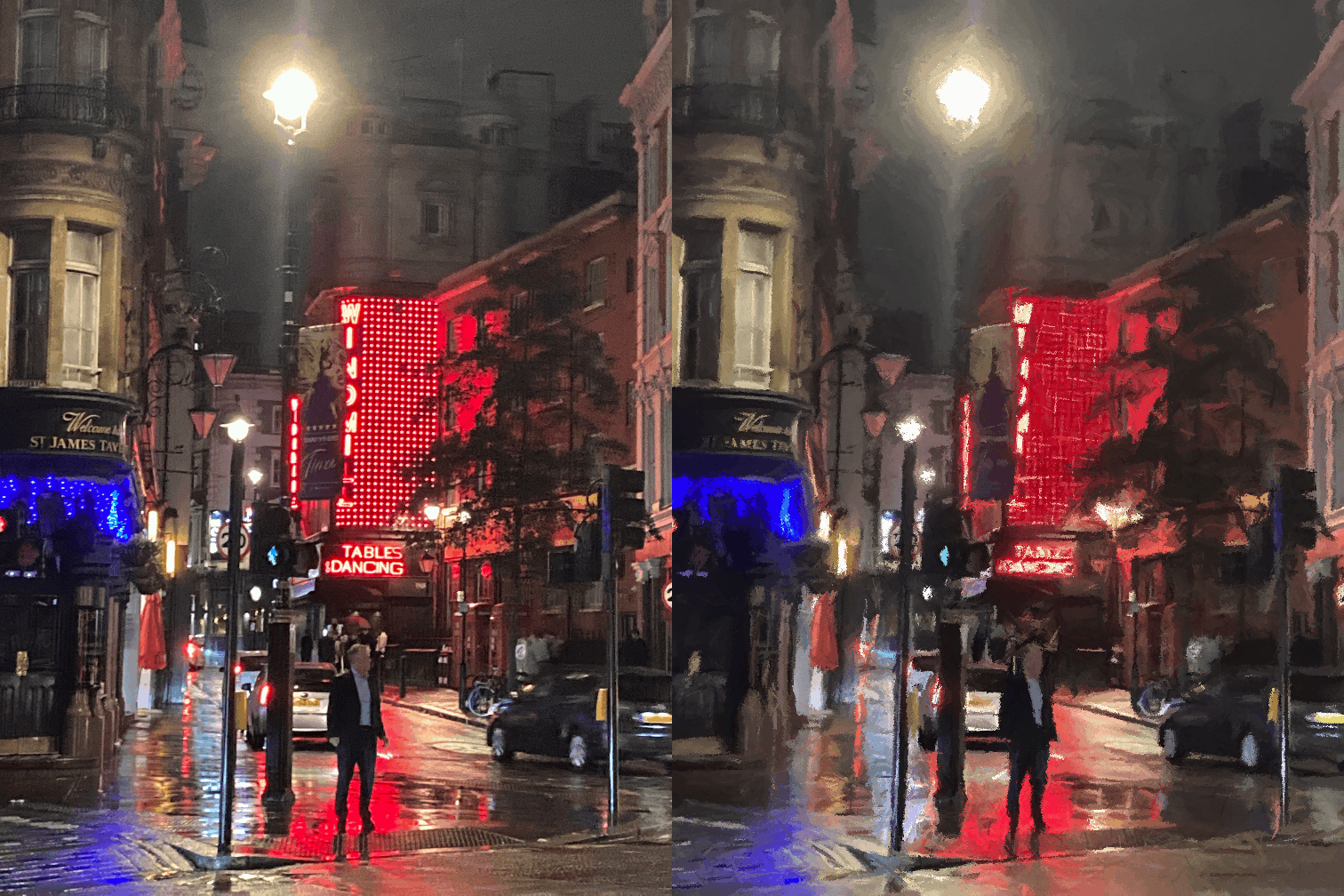
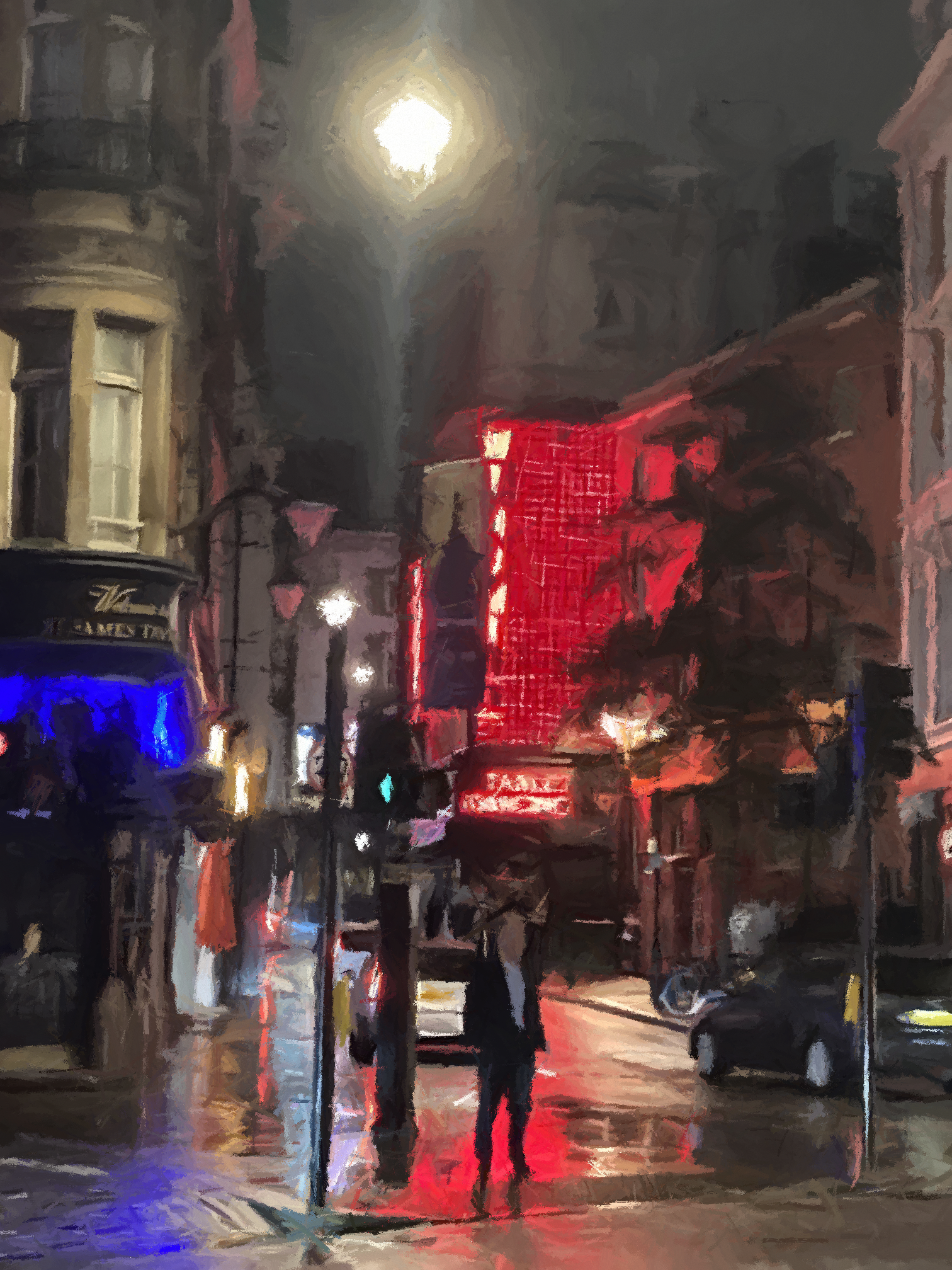
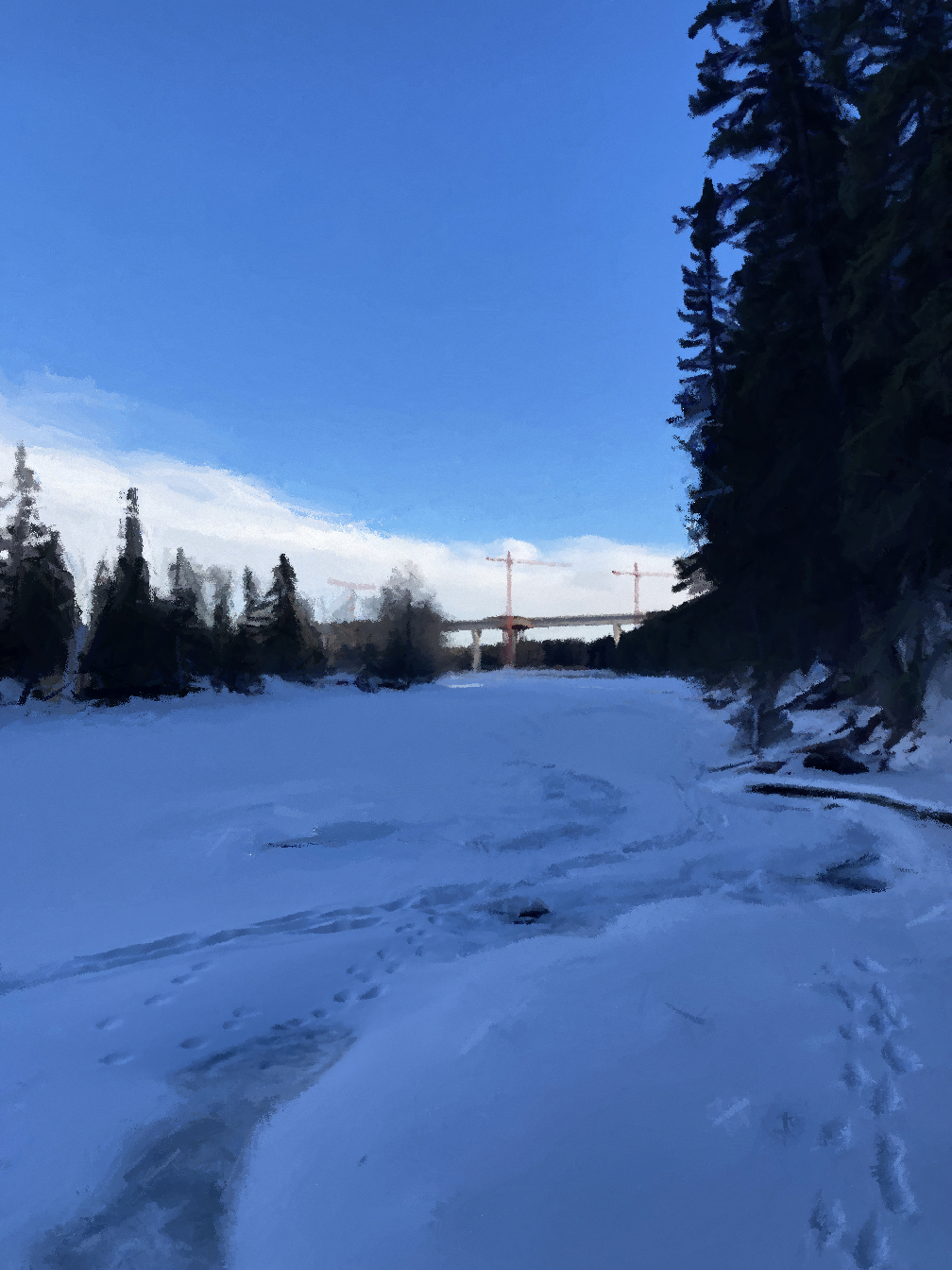
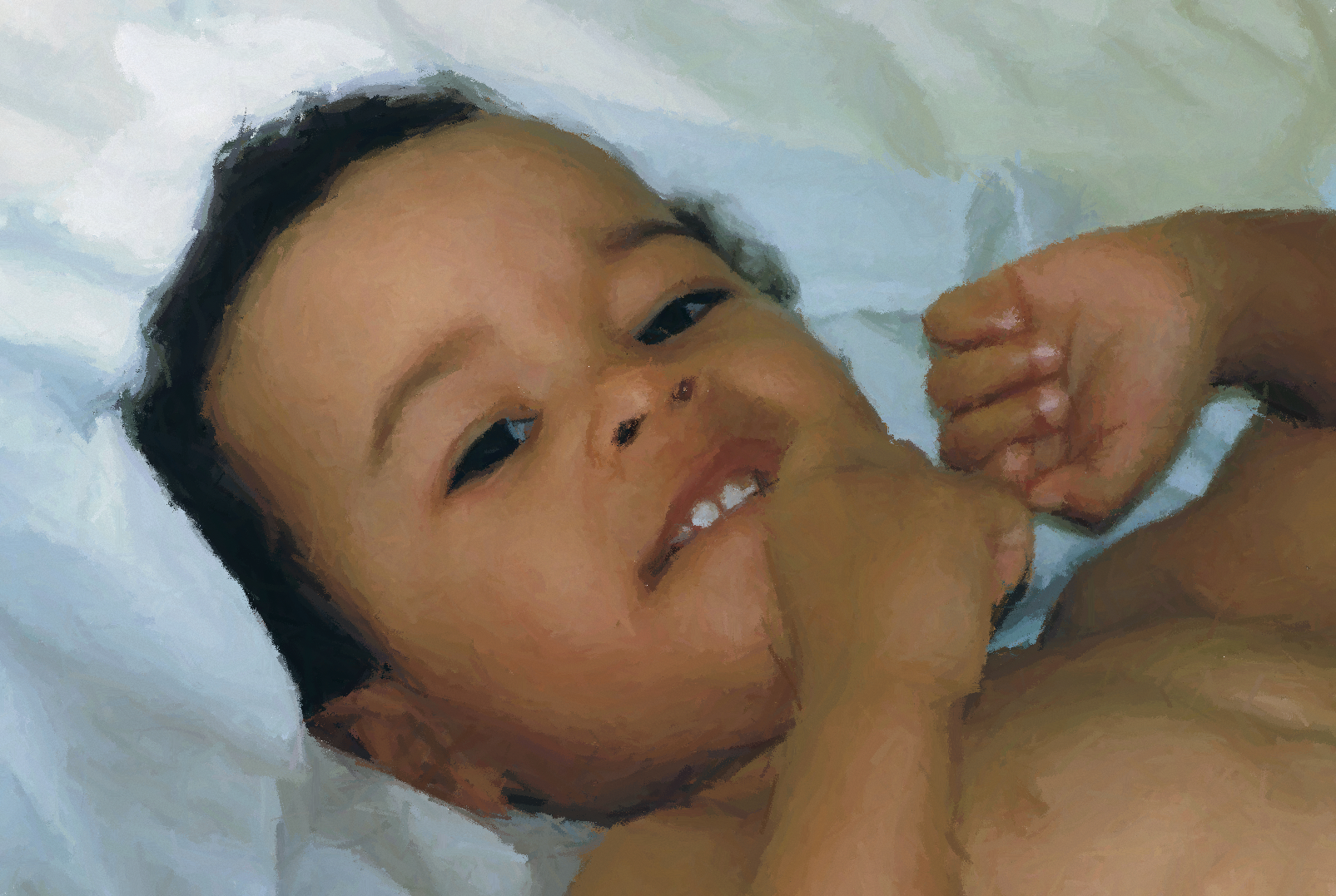
Painterly turns images into digital paintings. Painterly is NOT generative AI; paintings are generated in real time, one brushstroke at a time. The program can be left to run completely autonomously, or it can be guided in several ways to achieve specific results. Painterly is inspired by the concept of painterliness: its objective is not to produce photorealistic output, but rather a rendition of the input image that looks like it has been painted, with identifiable brushstrokes and a disregard for clean lines.
Upload your family photos, vacation shots, or anything you're curious to see painted and watch the magic unfold.
How it works
Once an image that is to be painted is uploaded, the program paints by bombarding the canvas with candidate brushstrokes at random positions on the canvas. Each candidate brushstroke is then accepted or rejected depending on whether it "improves" the painting. An improvement is defined as the pixel bounding box surrounding the candidate brushstroke becoming more similar to the uploaded source image than the same area was prior to the brushstroke. As the painting improves and starts to resemble the source image, brushstrokes tend to become shorter and finer.
To learn more about the program and its implementation, please visit the documentation on GitHub.
Workflow
Focus area
A rectangular focus area can be drawn on the canvas. For as long as a focus area is defined, all new candidate brushstrokes will originate within its bounds. Generally speaking, the smaller the focus area, the finer the brushstrokes. That way, focus areas serve to add detail to more complex or noisy sections of the input image.
By default, the entire canvas is the focus area.

Focus boxes
Focus areas can be further subdivided into focus boxes. As with the focus area, the active focus box also limits the area where new candidate brushstrokes can originate. At the end of every interval, the coordinates of the next active focus box with be calculated according to the currently selected focus box mode.

Focus box modes
- Free (
 ): No automatic focus box assignment; focus box is only changed by the user
 - Forwards (
 ): Left-to-right, top-to-bottom
 - Backwards (
 ): Right-to-left, bottom-to-top
 - Random (
 ): Assigns a random focus box after every interval
 - Worst (
 ): Assigns the focus box with the lowest similarity evaluation after every interval
 - Prioritize worst (
 ): Focus box similarities in the focus area are sorted from least to most similar. A random index is assigned that is weighted to favour the least similar focus boxes.
Intervals
Painterly performs expensive computations like determining the painting's overall similarity to the input image every interval rather than every time it attempts a brushstroke. Intervals can either be measured in attempted strokes ( ) or completed strokes (
 ), ranging from 1 to 250.
Gallery
Click on image to enlarge
Development
You can follow along with development on GitHub.
To see changes between release versions, please visit the changelog.
Early Access
Painterly is currently in early access. It will be updated routinely until its full v1.0.0 release. The roadmap outlines the planned features that you can expect will be implemented by the time of the full release. These include:
- macOS and Linux support
- Multiple "painters" - unique painting styles, decision making, brush textures, etc.
- Multiple language support
Contribute
License
Painterly is released under an end-user license agreement, which outlines the rights and responsibilities of users as it pertains to Painterly itself, as well as the distribution of paintings made with the program.
Rate
If you have bought and used Painterly, please consider leaving a rating. Thank you!
Purchase
In order to download this application you must purchase it at or above the minimum price of $14 USD. You will get access to the following files:
Download demo
Development log
- Painterly | Now available in early access!2 days ago